
What you can sync
-
api
API Response
Rows from your configured API request. Map response fields to sheet columns using dot notation (e.g. id, name, address.city).
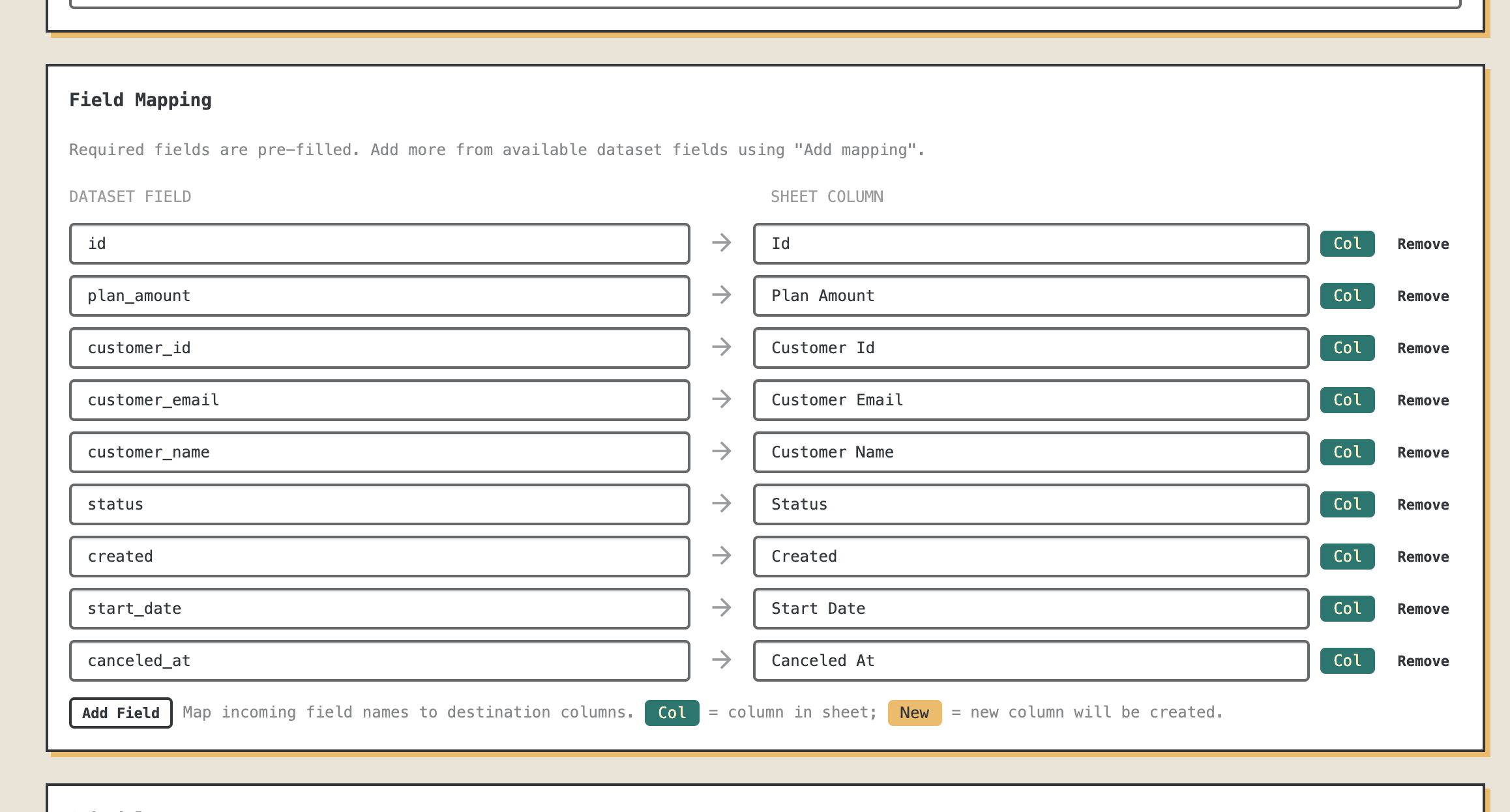
Map fields from Custom REST API into Sheets
Importism doesn’t lock you into a fixed schema. For every destination, you choose which fields from Custom REST API should appear in your Google Sheet and which columns they belong in. Map IDs, dates, amounts, statuses, metadata – any field the dataset exposes – to the exact layout your team already uses.
Nested fields are supported via dot notation (for example, customer.address.city), so you can pull exactly the values you care about out of complex API
responses without writing any code.
Under the hood, Importism keeps your mapping and preserves data types when writing to Sheets: dates stay dates, amounts and numbers stay numeric, booleans stay true/false, and text stays text. Every sync reuses the same structure, so downstream formulas and charts keep working without you touching the sheet.
Get started with Importism
Create a free account, connect Custom REST API as a data source, and map your data to Google Sheets. Sync on demand or on a schedule.
Create free account arrow_forward